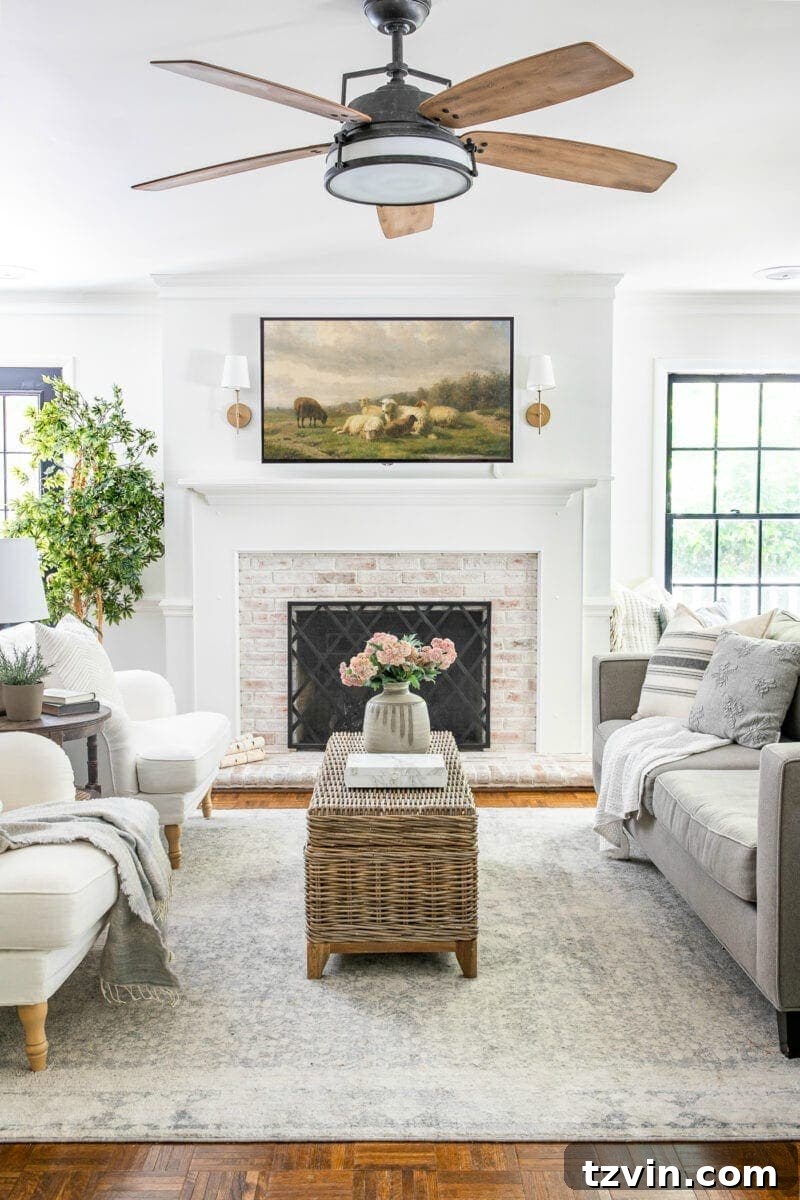
Transform Your Smart TV into a Digital Art Display: A Simple Guide + Free Art Downloads

Have you noticed the elegant
Samsung Frame TV
gracing living rooms everywhere? This innovative TV seamlessly blends into its surroundings, displaying art when not in use. But what if you could achieve a similar aesthetic on your existing smart TV, without the hefty price tag?
While the Frame TV is appealing, it might not fit everyone’s budget. This guide offers a cost-effective solution, allowing you to transform your regular smart TV into a beautiful art display.
Related: Read our detailed review of the
Samsung Frame TV
for a comprehensive comparison.
UPDATE: An alternative option, the
LG Gallery Edition,
rivals the Samsung Frame TV.
The good news? You can enjoy digital art on your regular smart TV. I’ve curated some easy methods and even created free art downloads for you to get started!
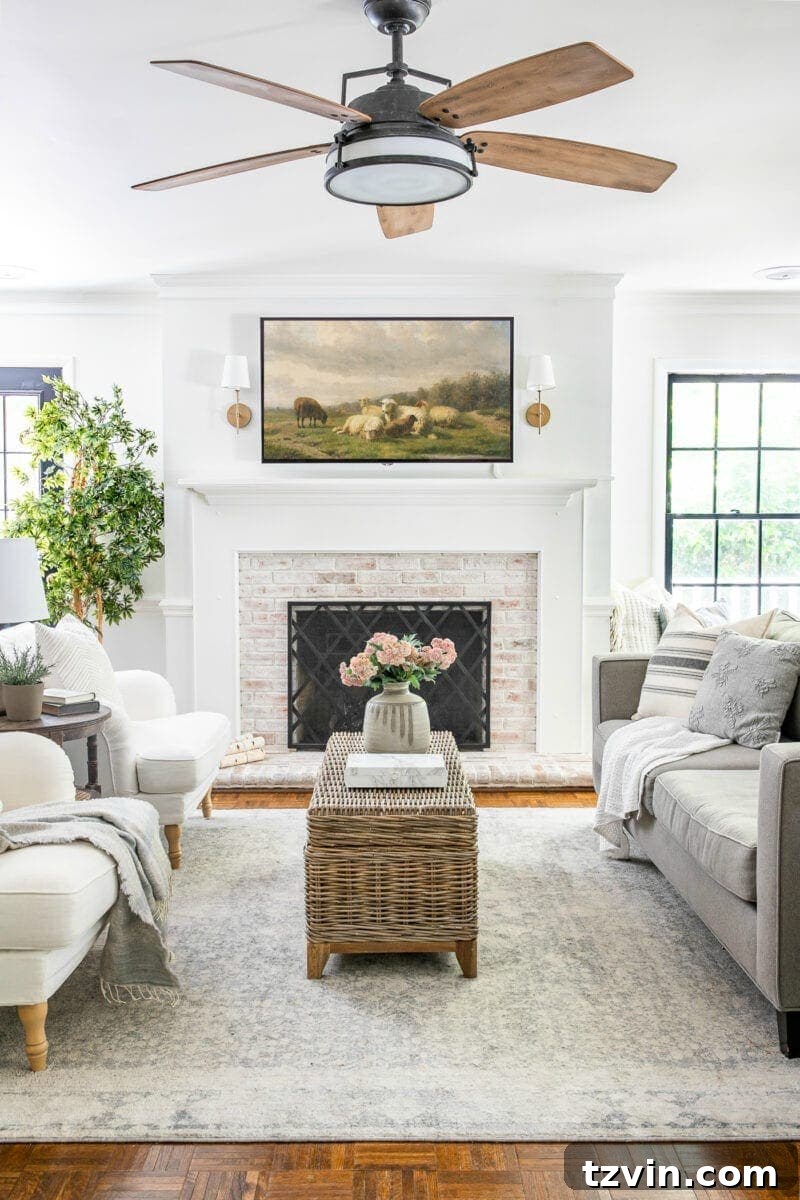
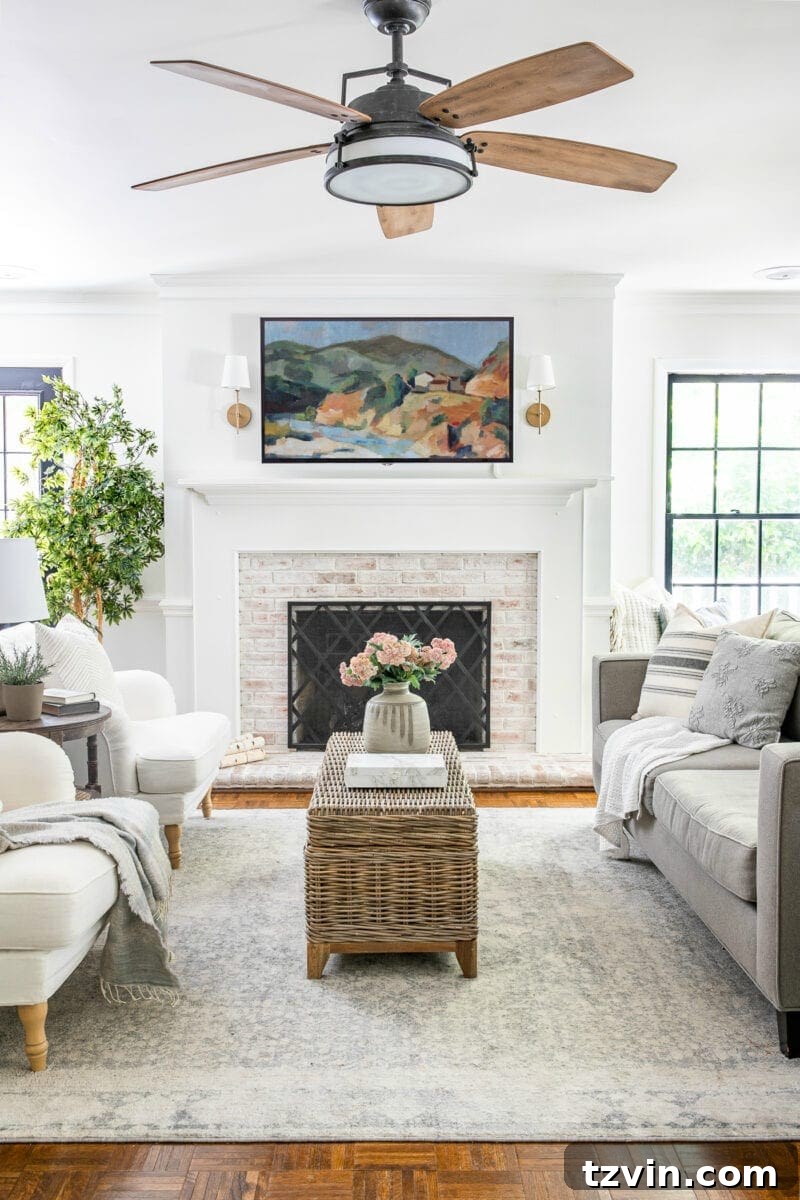
How to Display Art on Your Smart TV
Displaying art on your smart TV is simple. Here’s a breakdown of the most common methods to get started. You can use your own photos, art from public domain archives, or the free art downloads provided at the end of this post. You can also explore paid art from platforms like Etsy.
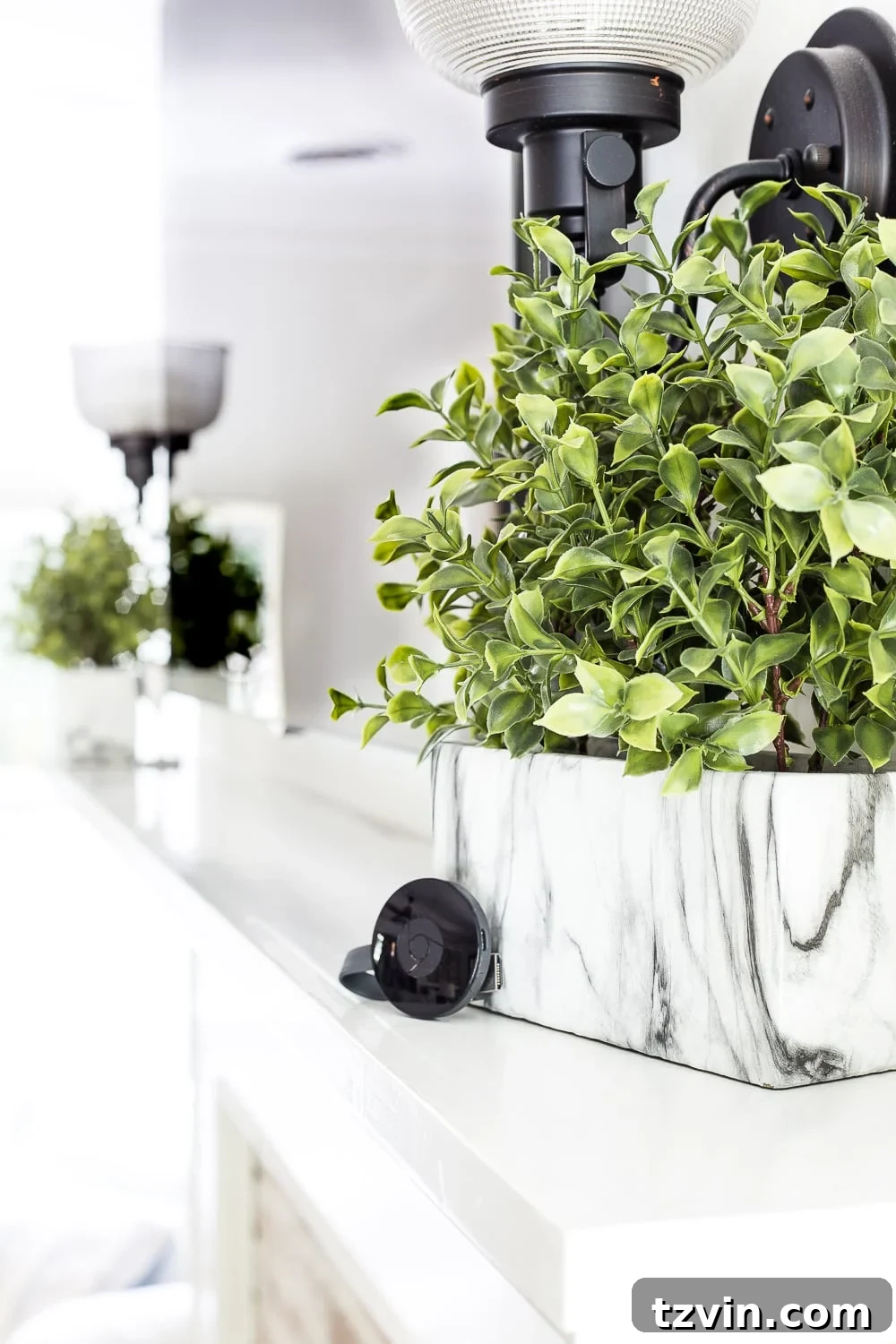
Chromecast
- Upload your desired art images to a Google Photos album.
- Connect your Chromecast device to your TV’s USB port.
- In the Chromecast settings, select the Google Photos album for Ambient mode.
- Open the Google Home app and select your Chromecast device.
- Go to Chromecast settings and choose “Ambient mode” then select “Art Gallery”.
Apple TV
- Upload your art images to an album in iCloud.
- Enable iCloud integration in your Apple TV settings.
- Do not enable Photo Stream when prompted.
- Navigate to the screen saver options in your Apple TV settings.
- Select Photos > iCloud.
- Choose the specific album containing your art.
Roku
- Upload your art images to a Google Photos album.
- Install the Photo View channel on your Roku device.
- Open Photo View and sign in to your Google account when prompted.
- Select the album with the art images you want to display.
- Set Photo View as your Roku’s screen saver.
- Customize the screen saver duration in Roku’s settings: Settings > Screen Saver > Change Screensaver > PhotoView option.
- Adjust the wait time in: Settings > ScreenSaver > Change wait time.
Fire TV
- Download the Amazon Photos app (iOS or Android) or log in via a web browser.
- Upload your art images and organize them into a dedicated folder.
- On your Fire TV, go to screen saver settings and choose your art album.
- Adjust the screen saver timing to your preference.
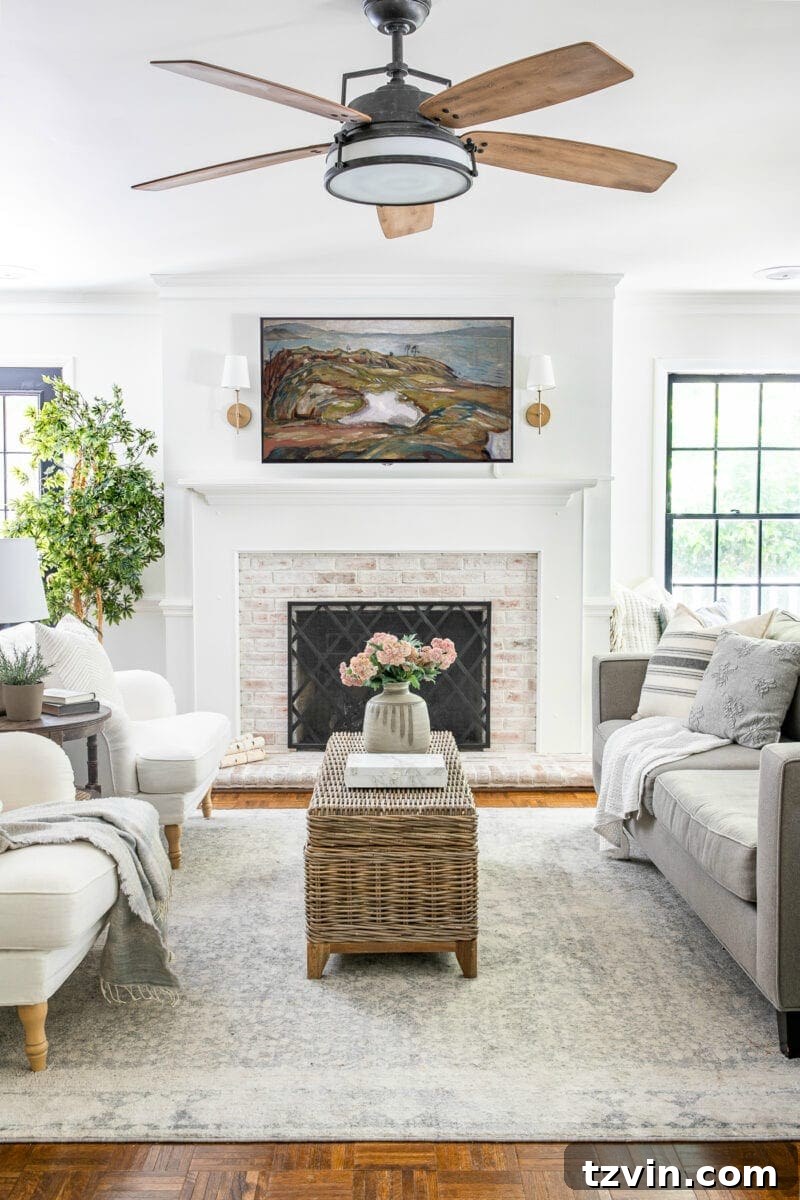
YouTube TV Art: The Easiest Method
This method is the simplest and works on virtually any smart TV. The key to displaying digital artwork is by using the YouTube app.
- Open the YouTube app on your smart TV.
- Search for “TV Art Screensaver.”
- Select the art screensaver video you like.
- Choose “Full Screen” in the bottom right corner.
Note: Most YouTube art screensavers are between one and two hours long. If the video includes background music, simply lower your TV’s volume.
Best TV Art Screensaver Channels on YouTube
These YouTube channels offer high-quality art displays for your home without a subscription.
Tip: You might need to adjust your TV’s color and contrast settings for optimal viewing, especially in a dark room.
- Verdot Studio TV Art
- Art Deco
- Lindell Gallery & Co
- TV Art Gallery
- The Museum Ambience
- Vintage Art TV
- Art for Your TV By: 88 Prints
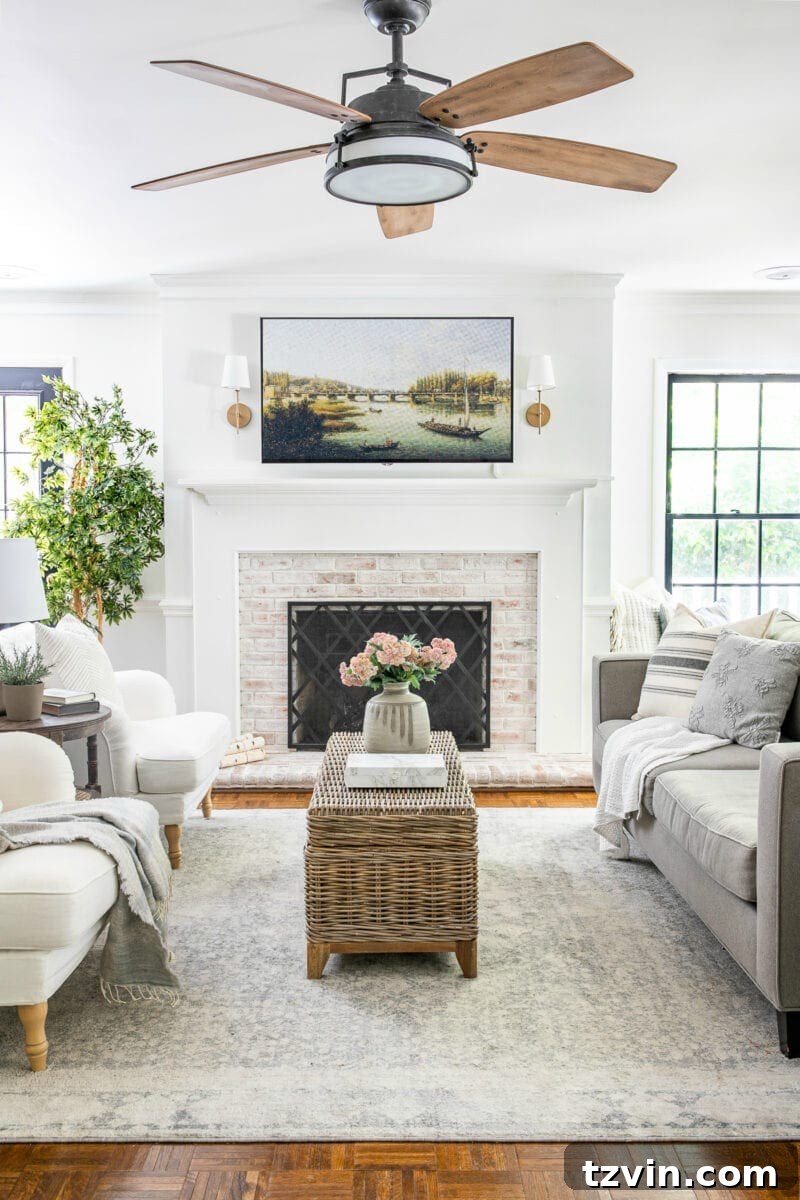
When to Use an Art TV Screensaver
YouTube art screensavers are a great alternative to the paid art subscriptions if you want to skip the monthly fees on the Samsung Frame TV.
It’s best to display art on a regular smart TV for limited periods, such as during social events.
Continuous use of static images can lead to pixel burn-in over time.
Samsung Frame TVs
and LG Gallery Edition TVs are designed to minimize this issue. They also include features like motion sensors that display art only when someone is in the room.
For the best results, experiment with your TV’s lighting to enhance the art’s realism.
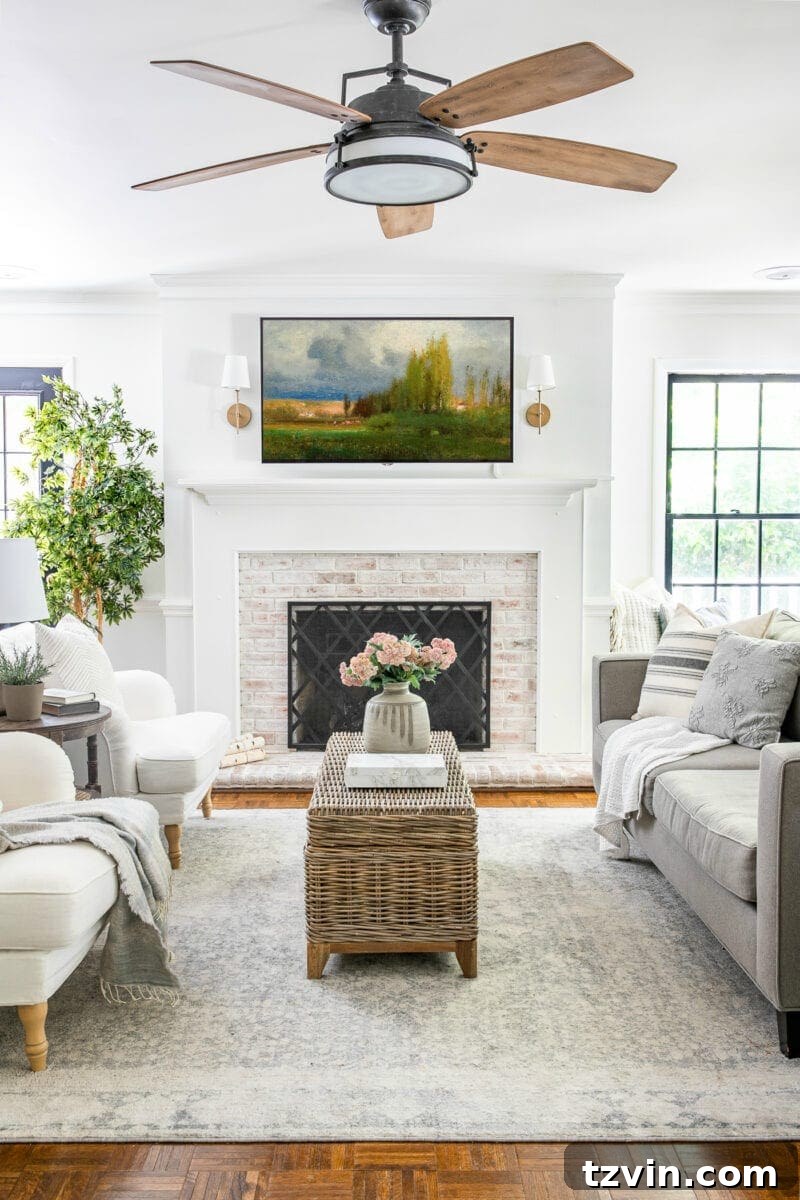
Free TV Art Downloads
Download these 6 public domain art images formatted for TV display by joining the Bless’er House subscriber list. You can access the Printable Library by
clicking here or the button below. (It’s free!)
(If you’re already a subscriber, the printable library is at the bottom of every email.)
These free downloads are for personal use only and cannot be used commercially, on other websites, social media, or for advertising on Etsy.
If you have a Samsung Frame TV, upload the art files to your gallery through the SmartThings app.
Or, print them and frame them without using a TV display!
Which of the 6 art displays is your favorite?
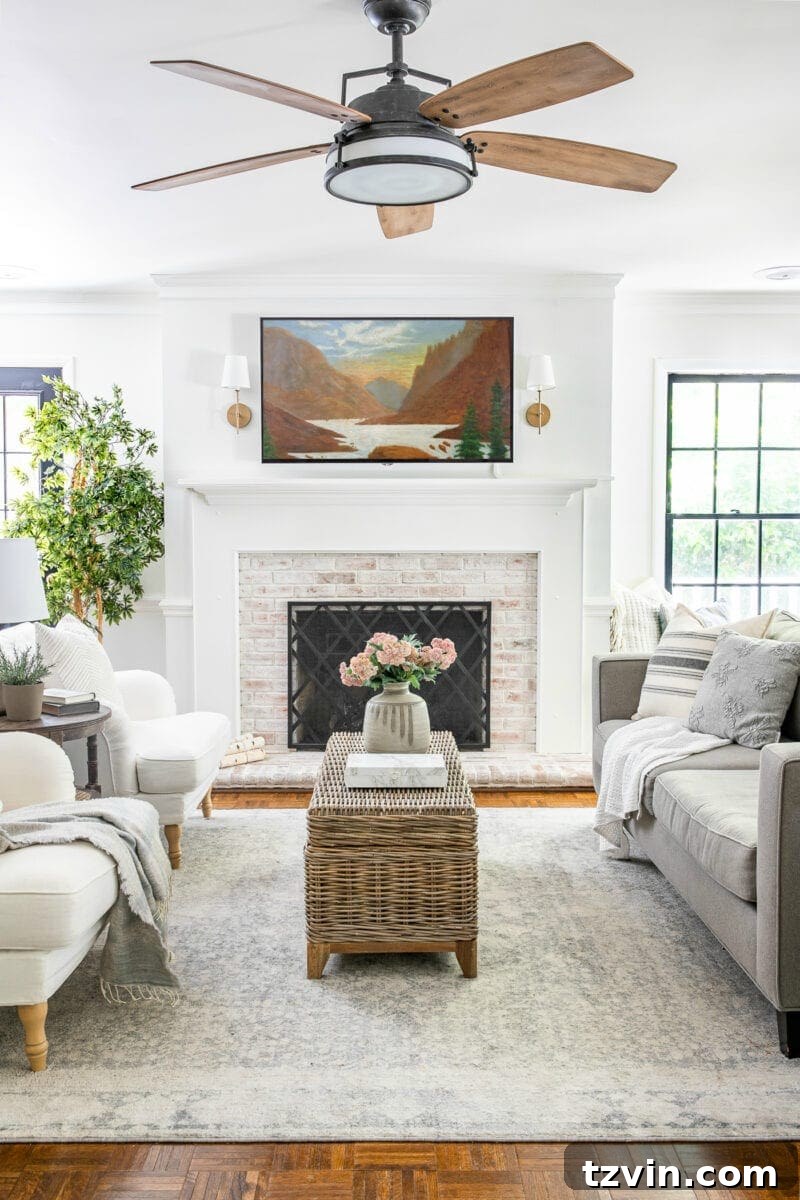
For more free printables,
explore all of them here.
As long as I can still enjoy Netflix, I’m happy.
More TV Art Ideas
Our Unbiased, Brutally Honest Review of the Samsung Frame TV
Stunning Ideas to Decorate Around a TV
The Secret to Find Free Printable Wall Art Online
Frequently Asked Questions
What image size fits a TV screen?
Can a TV screen burn out?