
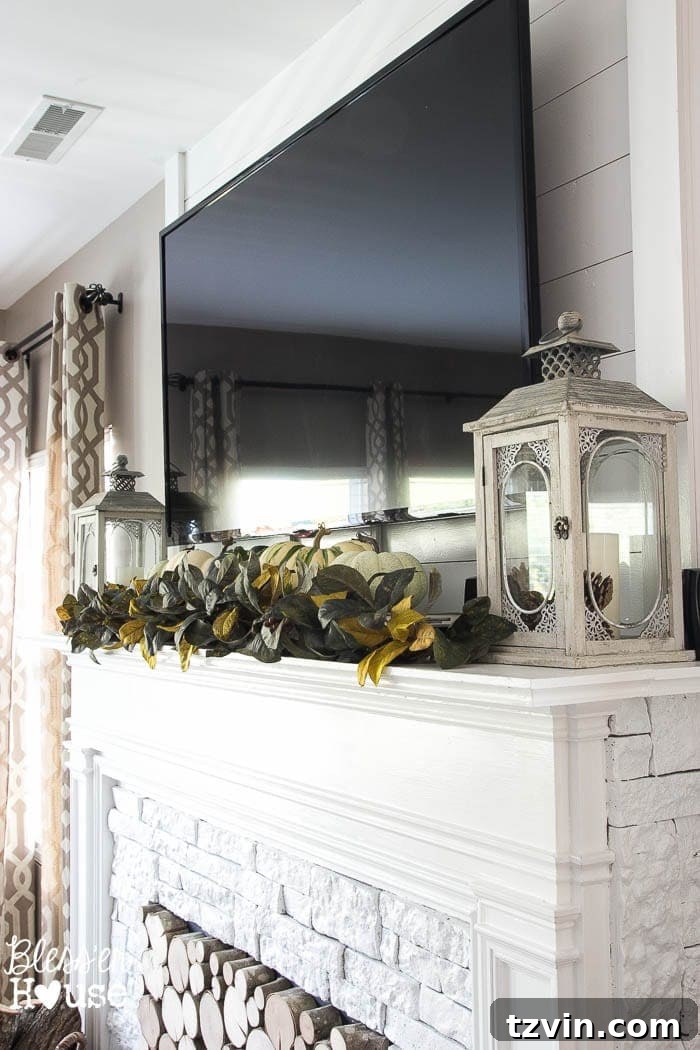
How to Hide TV Cords and Electronics on Your Mantel: Easy Solutions
Tired of unsightly TV cords and a cluttered living room? You’re not alone! Many homeowners struggle with how to manage the mess of electronics, especially when mounting a TV above a fireplace mantel. This guide offers practical and stylish solutions to hide those cords, cable boxes, and other devices, creating a clean and inviting space.
Let’s face it: big TVs are a must-have for many of us, but the cords and accessories can quickly make a living room look less than appealing. This is a common decorating dilemma. You want a functional space to enjoy your favorite shows and movies, but you also want a stylish and comfortable home.
This post shares simple ideas to conceal the unsightly components. We’ll explore budget-friendly methods that anyone can implement. Whether you’re dealing with a new setup or looking to revamp your current arrangement, these tips will help you achieve a polished look.
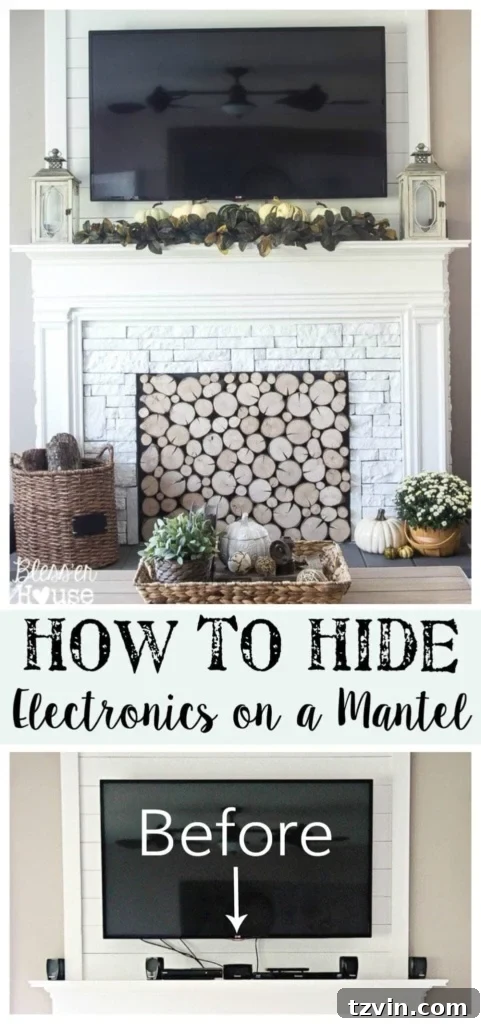
A beautifully styled mantel with hidden electronics.
The Challenge: Managing TV Cords and Electronics
The biggest hurdle is often the visible cords. They dangle down the wall, creating an instant eyesore. Add to that the cable box, the gaming console, the Blu-ray player, and speakers, and you’ve got a recipe for a cluttered look. The goal is to create a clean, minimalist aesthetic.
The good news is that hiding these items doesn’t have to be complicated or expensive. With a little creativity and a few simple supplies, you can transform your living room into a stylish and organized space.
For many, the fireplace mantel is the natural spot for the TV. It often serves as the focal point of the room. This makes it a prime area for a makeover that hides the chaos!
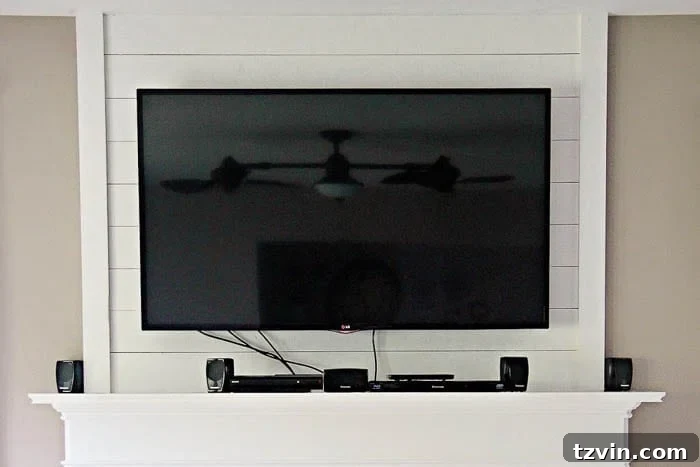
The ‘before’ look – cords, boxes, and more!
Simple Solutions to Hide TV Cords
Here’s a straightforward, budget-friendly approach to tackle those unsightly cords:
Cord Management Kit
One of the easiest solutions is a cord management kit. These kits typically include adhesive channels or molding that you can attach directly to your wall. The cords are tucked inside, effectively concealing them from view.
The process is simple:
- Measure the length of the cords you need to hide.
- Cut the molding to the appropriate size.
- Place the cords inside.
- Adhere the molding to the wall, running it vertically from the TV to the outlet or baseboard.
This creates a clean, streamlined look in minutes. It’s a quick and effective way to hide those power and HDMI cables.
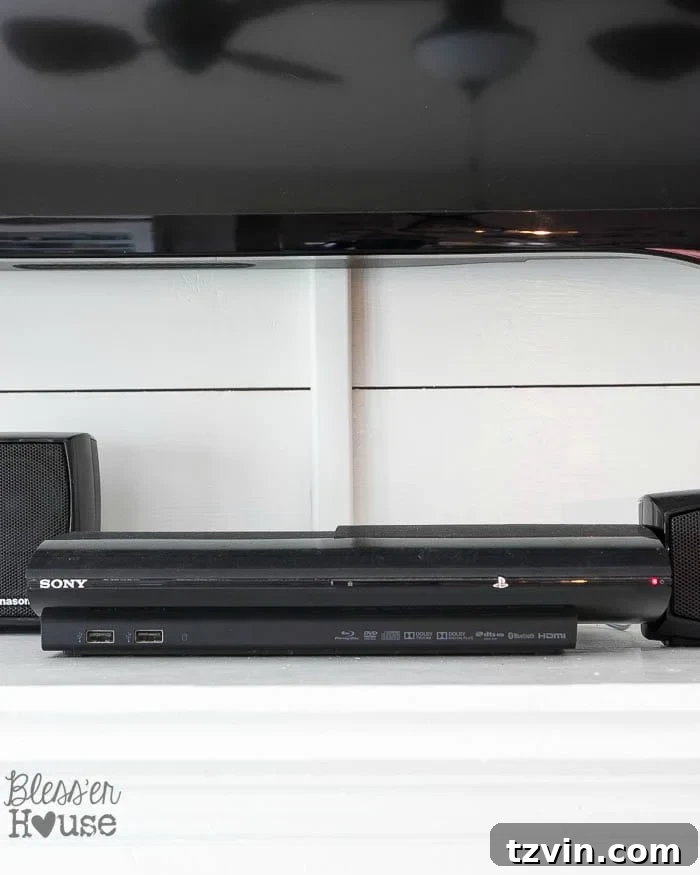
Cord management in action.
Consider Baseboards and Outlets
If your outlet is on the other side of the room, you can extend the cord management along your baseboards. This provides a more comprehensive solution, hiding cords across a wider area.
For a cleaner look, you can also have an electrician install an outlet behind your TV. This helps eliminate the need for cords to be visible at all.
Concealing Your Cable Box and Other Electronics
Hiding the cable box and other electronics requires a little more creativity. The key is to allow for airflow to prevent overheating while also ensuring the remote control signal can reach the devices.
Decorative Garland
A simple and effective solution is to use decorative garland. Place the garland in front of your cable box and other electronics. It can be easily lifted to access the devices or insert a DVD. This provides a visually appealing barrier that still allows the remote control signals to pass through.
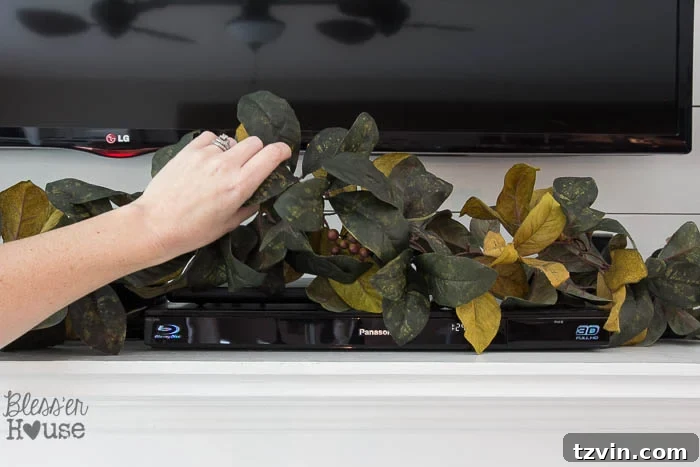
Using garland to hide your cable box and other electronics.
Cabinets and Enclosures
Another option is to place your electronics inside a cabinet or enclosure near your fireplace. This keeps them out of sight. Make sure the cabinet allows for adequate ventilation to prevent overheating. Glass-fronted cabinets are a good choice because they allow remote signals to pass through while keeping the devices hidden.
Infrared Remote Control Kit
For a more permanent solution, consider an infrared remote control kit. These kits allow you to place your cable box, gaming console, and other devices out of sight, such as in a closet or another room. The kit uses an infrared repeater to send the remote control signals to your devices. This technology is a fantastic option for a completely clutter-free look.
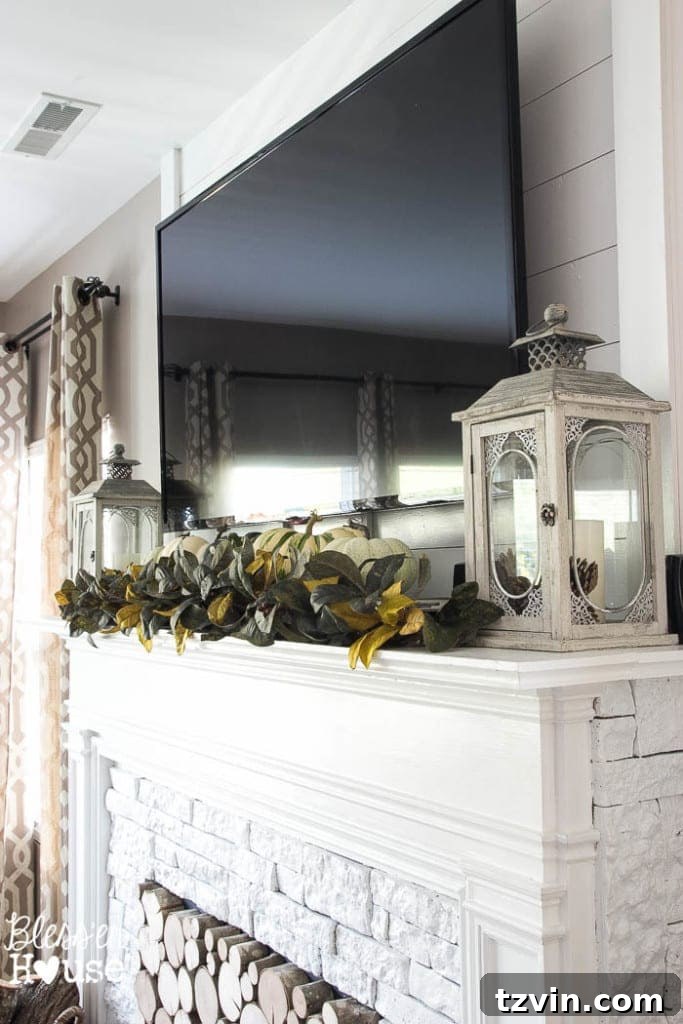
A beautifully decorated mantel with hidden devices.
Styling Your Mantel
Once you’ve hidden the cords and electronics, it’s time to style your mantel. This is where you can add personal touches and create a cohesive look for your living room.
Decorative Items
Use decorative items like lanterns, candles, vases, and artwork to enhance the look of your mantel. Varying the height and texture of these items adds visual interest. Change them out seasonally to keep your décor fresh.
Seasonal Decor
Embrace seasonal decorations to give your mantel a new look throughout the year. For example, use evergreen garland and lights during the holidays or display pumpkins and fall foliage in the autumn.
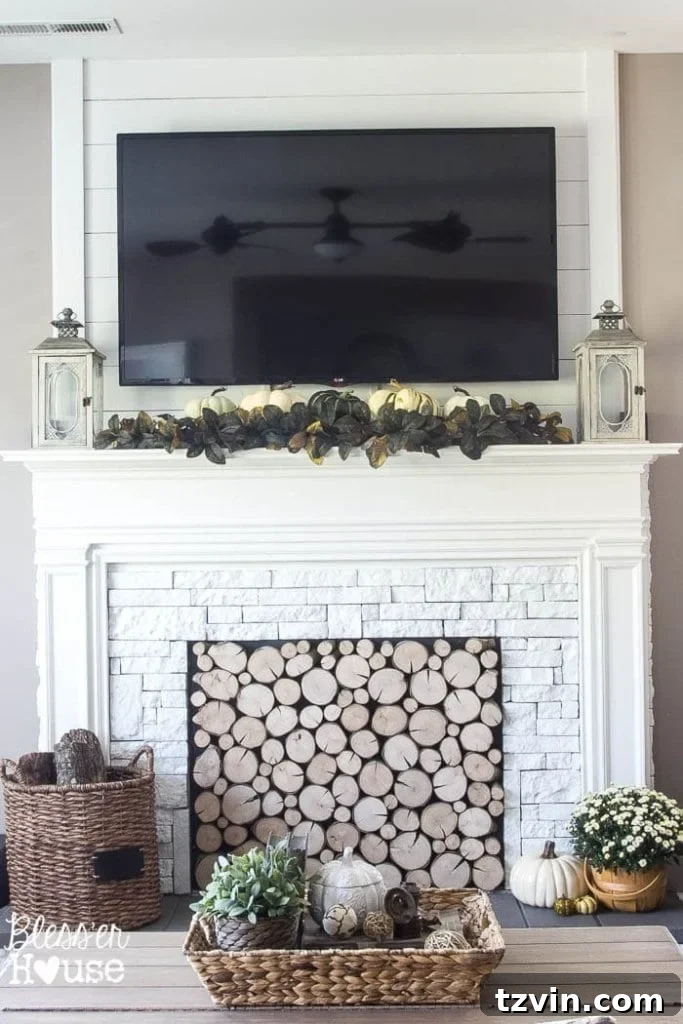
Lanterns and other decorative items can enhance your mantel.

Decorate your mantel for different seasons.
Conclusion: Achieving a Clutter-Free Living Room
Hiding TV cords and electronics doesn’t require a major renovation or a huge budget. By using simple, practical solutions like cord management kits, decorative garland, and a little creativity, you can create a clean, stylish, and inviting living room.
These tips are meant to simplify your decorating efforts. The goal is to make your living space a place you love to be.
So, are you ready to tackle the TV cord chaos in your living room? Embrace these tips, and you’ll be well on your way to a more organized and stylish space.

Follow us on social media for more home decor inspiration!
Facebook |
Pinterest |
Instagram |
Twitter |
Google+ |
Bloglovin | Hometalk