
The Absolute Beginner’s Guide to Building an Affordable Smart Home in 6 Simple Steps – All for Under $500!
Let’s get one thing straight: I am probably the least tech-savvy person you’ll ever encounter in the blogging world. My go-to troubleshooting method for any gadget crisis is the age-old “turn it off and back on again.” If that doesn’t work, consider me officially stumped. Honestly, if it weren’t for the vast ocean of knowledge that is Google, ready to answer my most basic tech questions, this entire blog might not even exist.
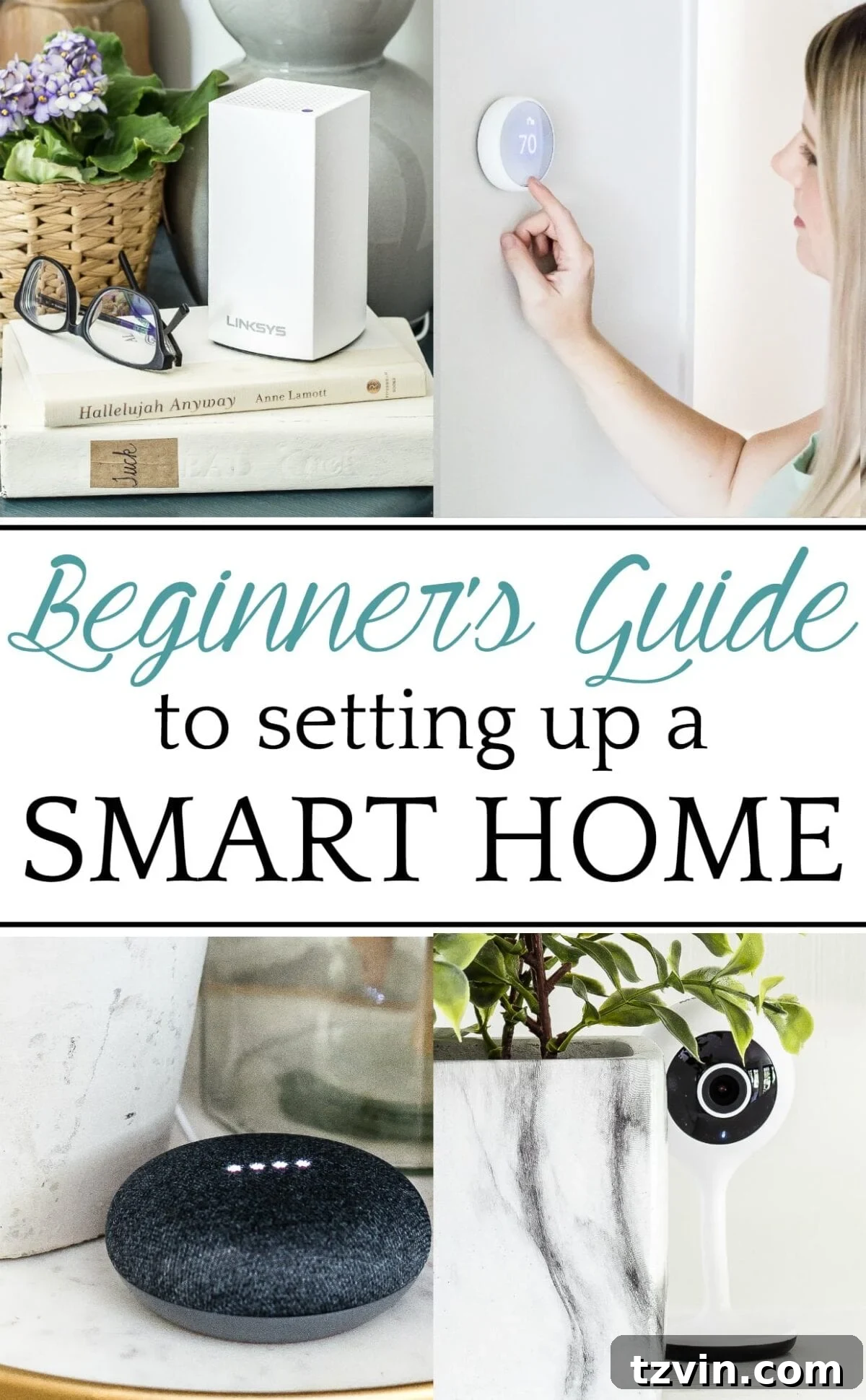
Yet, for quite some time, the idea of setting up a smart home has captivated my imagination, especially with a new baby on the way this fall. I vividly recall countless moments cuddling and rocking a sleeping Olivia as a baby, desperately wishing for a magic wand. A wand that could effortlessly turn off lights, softly play lullabies, change the TV channel, or adjust the AC – all without risking life and limb by getting up and potentially waking my precious, snoozing time bomb. That dream of a magic wand felt so distant, a luxury only for the tech-savvy or the wealthy.
But guess what? Those magic wands are no longer a fantasy! They’ve arrived, and they’re more accessible and affordable than you might think. Yaaay!
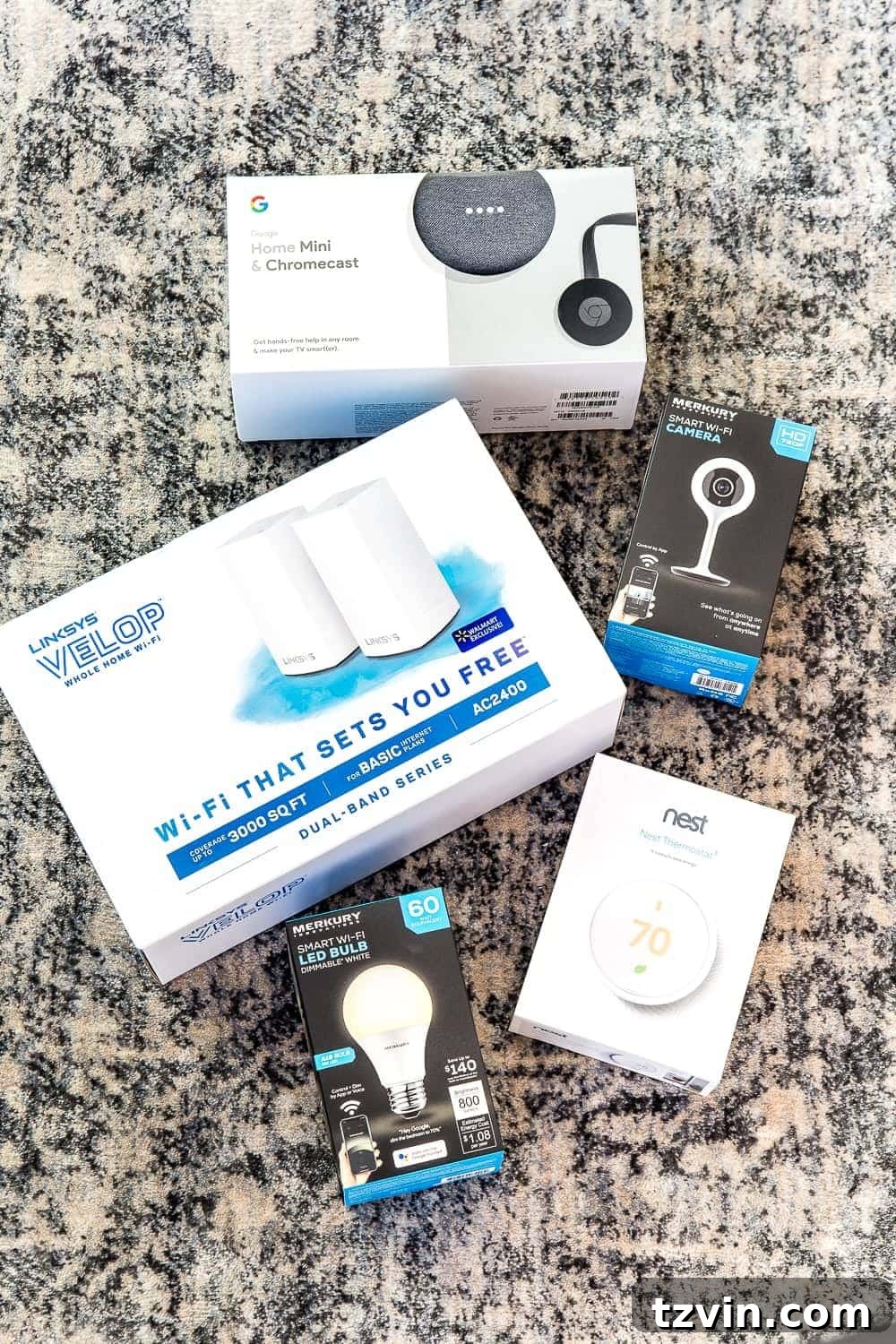
We officially live in a smart home now, and I can assure you, any trepidation I had about my technological abilities was completely unfounded. In a single afternoon, I personally set up all six components of our new smart home system. The entire setup cost us less than $460 at Walmart. Beyond the initial investment, this upgrade has already delivered significant financial benefits. We’ve happily cut our hefty $134/month cable bill, optimized our energy usage, and even reduced our security system expenses. This comprehensive beginner’s guide is designed to demystify the process, making smart home setup easy and affordable for everyone, especially if you’ve been intimidated by the technology or the perceived cost.
Transform Your Home: Why a Smart Home is a Game-Changer
Stepping into the world of smart homes might seem like a futuristic leap, but it’s fundamentally about making everyday life simpler, safer, and more efficient. For a beginner, the thought of integrating various devices, apps, and voice commands can feel overwhelming. However, this guide will prove that you don’t need an engineering degree or a bottomless budget to enjoy the perks of modern home automation. From controlling your lights with a simple voice command to monitoring your home security from anywhere, a smart home offers unparalleled convenience that quickly becomes indispensable.
Our journey began with a desire for convenience, especially with a growing family, but the added benefits of cost savings and peace of mind have been truly remarkable. Let’s explore how these six essential components can turn your house into a smarter, more responsive living space without breaking the bank.
Key Components Used for Our Budget Smart Home:
- Google Chromecast and Google Home Mini Bundle – $75
- Linksys Velop Whole Home Wi-Fi 2 pack – $149
- Merkury Innovations Smart Bulbs (I bought 4) – $9.88 each
- Merkury Innovations 720 Smart Camera – $24.88
- Nest Thermostat E – $169
1. Establishing a Robust Network with Linksys Velop Whole Home Wi-Fi

Before you dive into smart devices, a strong, reliable Wi-Fi network is the absolute foundation of any successful smart home. Our charming old house, with its thick walls, posed a significant challenge for our existing Wi-Fi signal, leading to frustrating dead zones and constant buffering. To combat this, I installed the Linksys Velop Whole Home Wi-Fi 2-pack. This mesh system works wonders by extending coverage up to an impressive 3,000 square feet, ensuring a consistent and powerful signal in every nook and cranny of our home. For larger homes, you can easily add more ‘nodes’ (those sleek little white boxes, like the one on our nightstand) to further expand your coverage.
Effortless Set-Up: Setting up the Linksys Velop is remarkably simple. Just plug one node directly into your internet modem and place the second node in an area of your house where you typically experience a weak Wi-Fi signal. Download the intuitive Linksys app on your smartphone, follow the quick on-screen prompts, and you’re good to go. It’s truly a plug-and-play experience, even for a beginner.
Key Benefits of Linksys Velop Whole Home Wi-Fi:
- Eliminates Dead Zones: Boosts weak Wi-Fi signals throughout your entire home, preventing frustrating dead zones and buffering, crucial for reliable smart device performance.
- Advanced Parental Controls: The accompanying app allows you to easily schedule internet access for your children and set up robust parental controls on all connected devices, giving you peace of mind.
- Seamless Connectivity: Provides a single, unified Wi-Fi network name, so your devices automatically connect to the strongest signal as you move around your home.
2. The Brain of Your Smart Home: Google Home Mini

Once your robust Wi-Fi network is established, the next crucial step is integrating your central smart home hub. For us, the Google Home Mini served as the perfect, affordable brain for our entire system. We strategically placed ours in the kitchen, the true heart of our home, where we spend a considerable amount of time. It’s also where I most frequently need hands-free assistance, especially when I’m in the middle of cooking or juggling multiple tasks.
Quick Set-Up: Simply plug in your Google Home Mini, download the Google Home app on your smartphone, and follow the clear, step-by-step instructions provided on the screen. The app guides you through connecting it to your Wi-Fi and personalizing your settings, making the process incredibly straightforward.
Unlocking the Power of Voice with Google Home Mini:
- Instant Information: Ask Google anything from “What’s the weather like today?” to “How do you spell ‘rendezvous’?” and get immediate, accurate answers.
- Daily Organization: Effortlessly manage your day by setting alarms, creating reminders, getting updates on your commute, listening to the news, adding items to your to-do list, and even building your grocery shopping list, all with simple voice commands.
- Hands-Free Communication: Make calls to friends and family using just your voice, perfect for multitasking in the kitchen or keeping your hands free while tending to little ones.
- Entertainment Hub: Control your music playback or start a TV show on compatible devices using intuitive voice commands.
- Centralized Smart Home Control: This is where the magic truly happens! Use your voice to control all compatible smart lights, thermostats, security systems, doorbells, and even smart appliances throughout your home, making everyday tasks incredibly convenient.
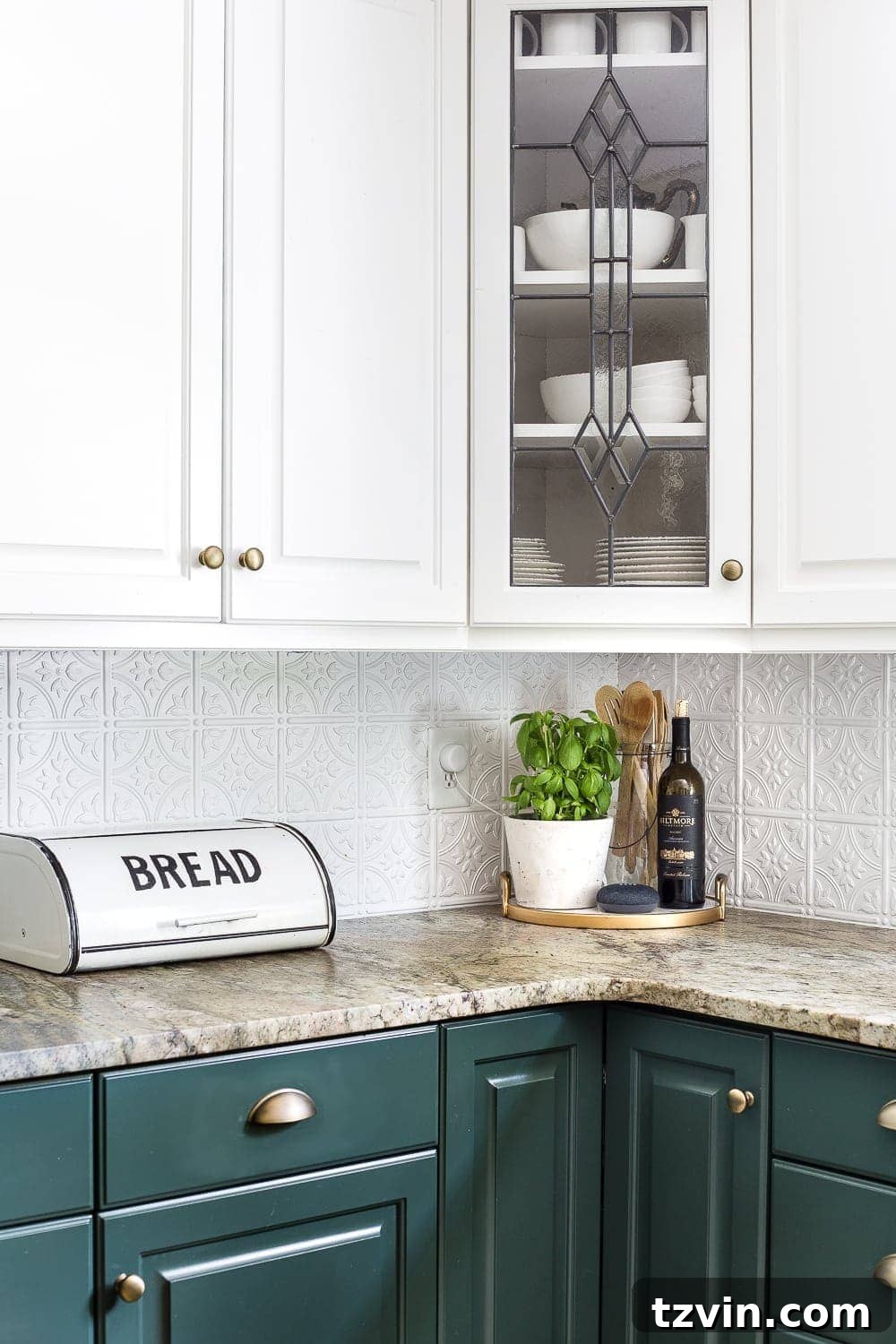
Since installing our Google Home Mini, our evenings have been filled with impromptu dance parties while cooking dinner in the kitchen. Olivia, our daughter, has also embraced it, constantly asking it trivia questions whenever she gets the chance. It’s more than just a gadget; it’s become an integral part of our family’s daily rhythm, bringing both convenience and fun.
3. Intelligent Illumination with Merkury Innovations Smart Bulbs

One of the most immediate and impactful upgrades for any smart home is undoubtedly smart lighting. Our old house, charming as it is, features a rather eccentric arrangement of light switches scattered across various walls, with no logical grouping for entire rooms. This often led to a frustrating “light switch scavenger hunt.” Merkury Innovations Smart Bulbs have been a fantastic, budget-friendly solution to this problem.
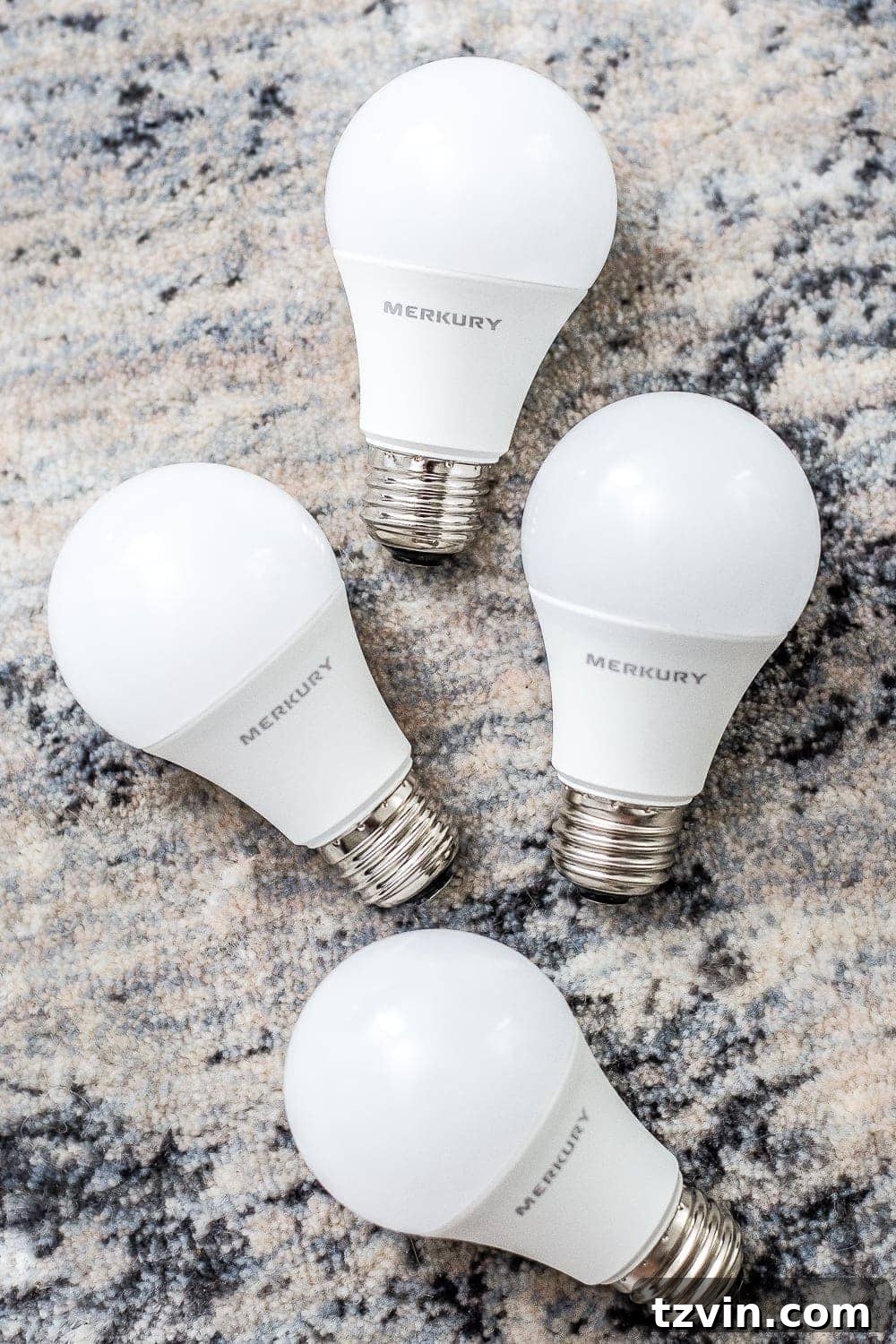
We started with four bulbs for our living room and foyer, and the transformation has been so impressive that we’re already planning to add more throughout the house. Imagine walking into a room and simply saying, “Hey Google, turn on the living room lights,” and all the lights respond instantly. It’s truly a game-changer for convenience and creating the perfect ambiance.
Super Simple Set-Up: The installation couldn’t be easier. Just download the Geeni app (which integrates seamlessly with Google Home), screw in your smart bulb, open the app to add and recognize the new bulb, connect it to your Wi-Fi network, and you’re all set. No complicated wiring or electrician needed!
Smart Lighting Benefits You’ll Love:
- Automated Schedules: Program your lights to turn on or off automatically at specific times. This is fantastic for energy saving and also a brilliant security measure when you’re out of town, making it appear as though someone is home.
- Room Grouping: Group multiple bulbs by room, allowing you to control all lights in a specific area with a single voice command, such as, “Hey Google, turn the living room lights on.”
- Dimmable Any Lamp: These smart bulbs instantly make any lamp or light fixture dimmable, offering customizable brightness levels to suit any mood or activity, and they seamlessly replace standard 60W bulbs.
- Energy Efficiency: Smart bulbs are often LED-based, consuming less energy than traditional incandescent bulbs, leading to long-term savings on your electricity bill.

4. Smart Climate Control with Nest Thermostat E
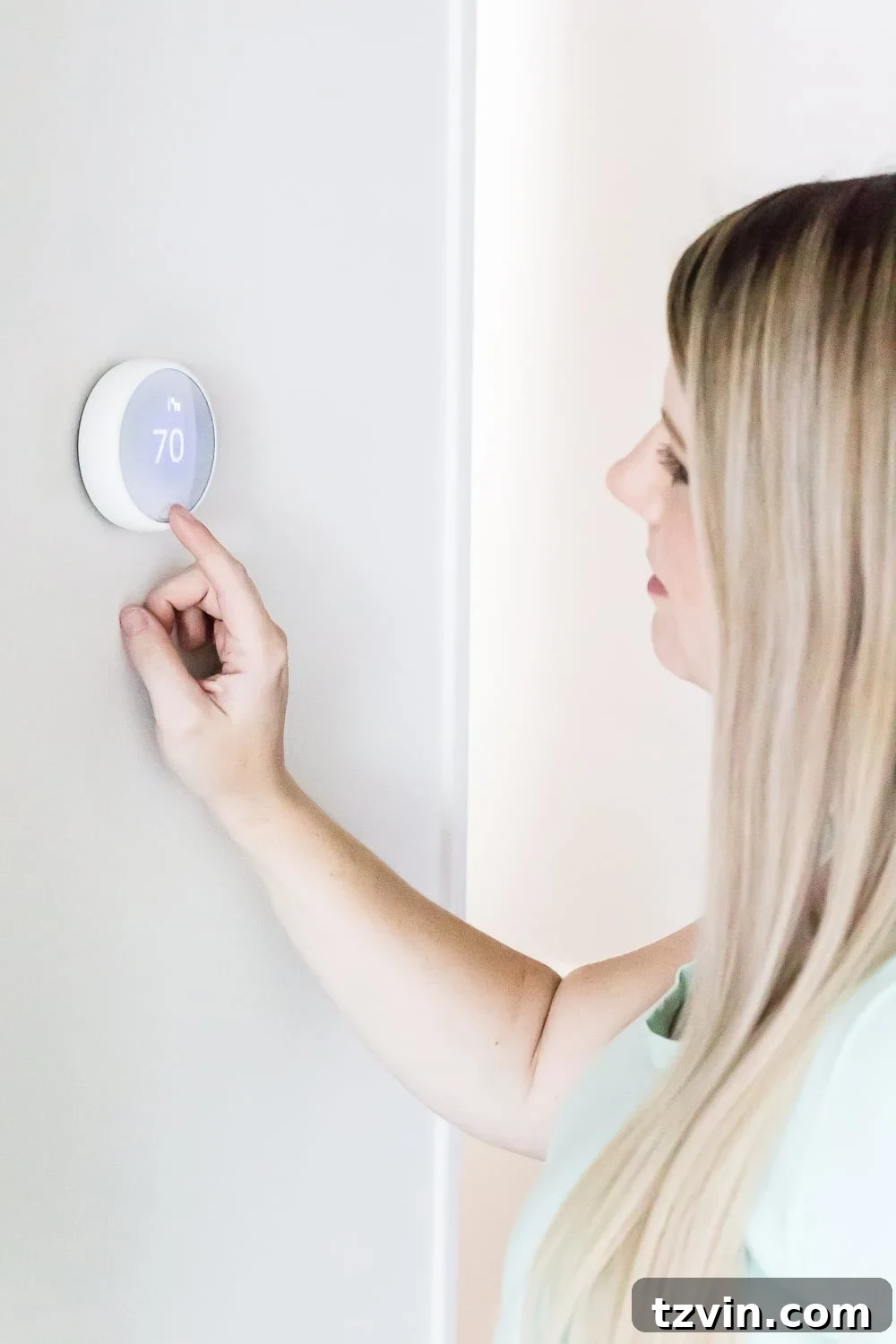
If there’s one smart device that truly empowers you to save money and energy effortlessly, it’s a smart thermostat. I was absolutely thrilled and frankly, a little proud, that I managed to install our Nest Thermostat E all by myself! I’m not exaggerating when I say I’ve never even installed a light fixture in my life (that’s always been Robert’s domain). But I did it, and honestly, for a moment, I felt like I could rewire an entire house (don’t worry, I know my limits and I promise I won’t!). So far, we are incredibly pleased with how effectively it’s helping us reduce our energy costs, especially during the scorching heat of summer.
DIY Set-Up Made Easy: This helpful video guided me through every step. First, ensure safety by switching off the power to your thermostat at your breaker box. Carefully remove the cover of your old thermostat, take a clear picture of the existing wiring, and then label each wire with the provided stickers. Disconnect and remove the old base. Next, screw the Nest base to the wall, connect the wires according to the labels and your picture, attach the display, and finally, switch the power back on. The remaining setup is completed intuitively through the Nest app, which guides you through calibration and personalization.
Smart Benefits of the Nest Thermostat E:
- Automatic Energy Savings: The Nest Thermostat E intelligently learns your schedule and preferences, automatically turning itself down when you’re away from home to save energy. You can also control it remotely from anywhere via the app.
- Energy History Tracking: Gain insights into your energy consumption with detailed energy history reports, allowing you to see exactly how and where you’re saving.
- Maintenance Reminders: Receive timely alerts when it’s time to change your air filters, ensuring optimal system performance and air quality.
- Flexible Control: Adjust your home’s temperature from your smartphone, tablet, laptop, or simply by using voice commands through your Google Assistant.
5. Peace of Mind with the Merkury Innovations 720 Smart Camera
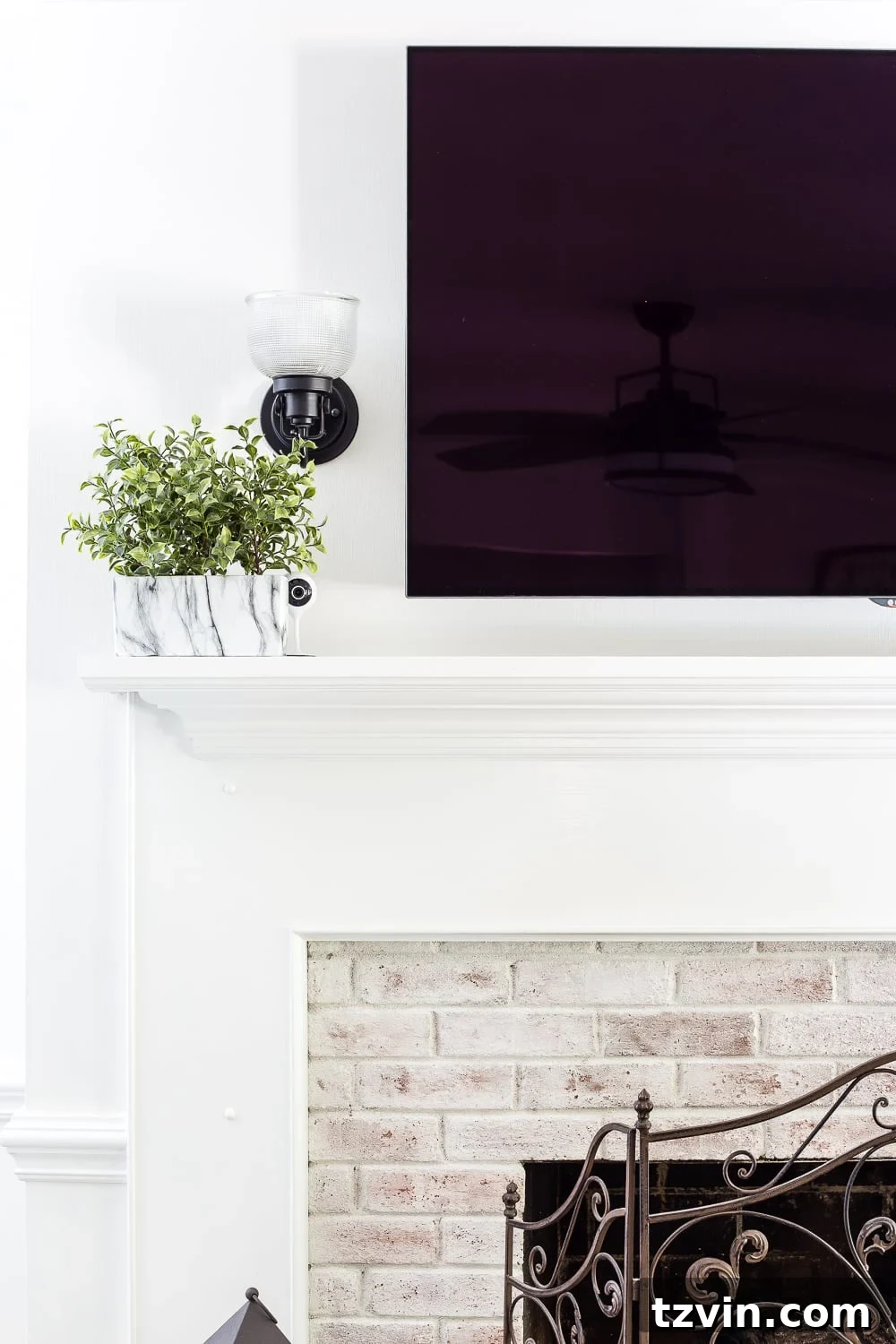
Beyond convenience, smart homes also excel in providing enhanced security and monitoring. We had been considering an indoor surveillance camera for a while, primarily to keep an eye on our 10-month-old “wonder pup,” Stella, whose middle name we suspect might actually be Mischief! It was a significant bonus to discover that this smart camera offered a much more affordable solution compared to what our traditional security system company quoted.
Effortless Set-Up: Similar to the smart bulbs, setting up the Merkury Innovations 720 Smart Camera is incredibly simple. Download the Geeni app (compatible with Google Home), plug in the camera, add the device within the app, connect it to your Wi-Fi network, and you’re done! You’ll be viewing your home in minutes.
Key Features for Home Security and Monitoring:
- Crystal Clear Night Vision: Ensures your home remains secure even in complete darkness, providing clear footage around the clock.
- Motion Detection Alerts: Receive instant notifications on your phone whenever motion is detected in your home, allowing you to respond promptly to any unexpected activity.
- Two-Way Audio: Engage in live, two-way conversations with your pets or family members through the camera, whether you’re checking in on your furry friends or speaking to a delivery person.
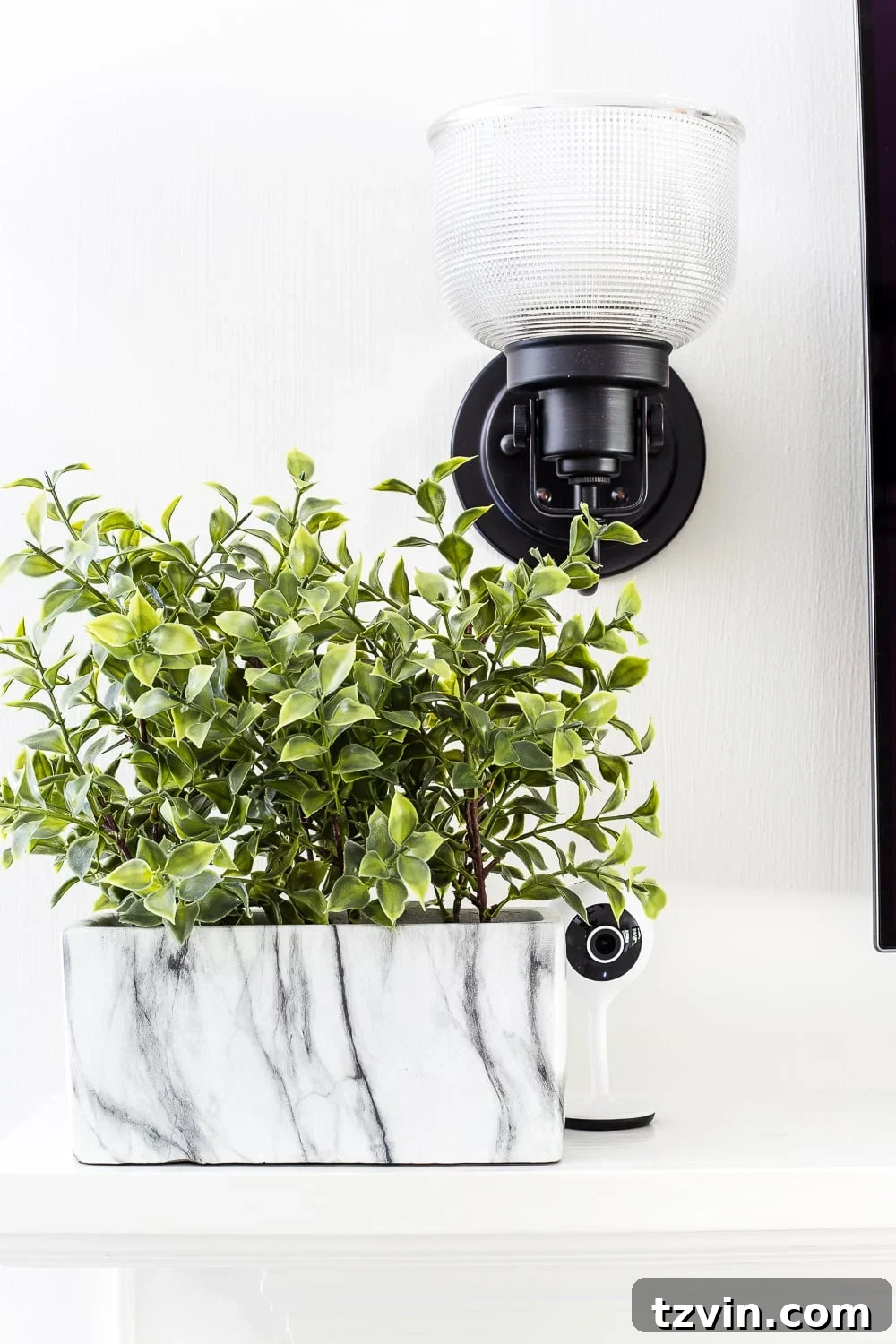
I discretely placed the camera on our mantel next to a small plant, allowing it to blend in seamlessly while offering a perfect vantage point of Stella’s daily antics. Now, while we’re away, we can keep a watchful eye on everything she’s up to (especially what she’s attempting to chew or destroy!) directly from our phones. True to her unofficial middle name, Stella consistently keeps us entertained.

And let’s not forget Lola, our sweet 7-year-old first-born, who also occasionally indulges in a bit of mischief herself. But she’s a master at playing it off with that innocent, furry angel face. Seriously, just look at her – she’s practically smirking, knowing she’s gotten away with it!

6. Cutting the Cord and Streaming Smarter with Google Chromecast
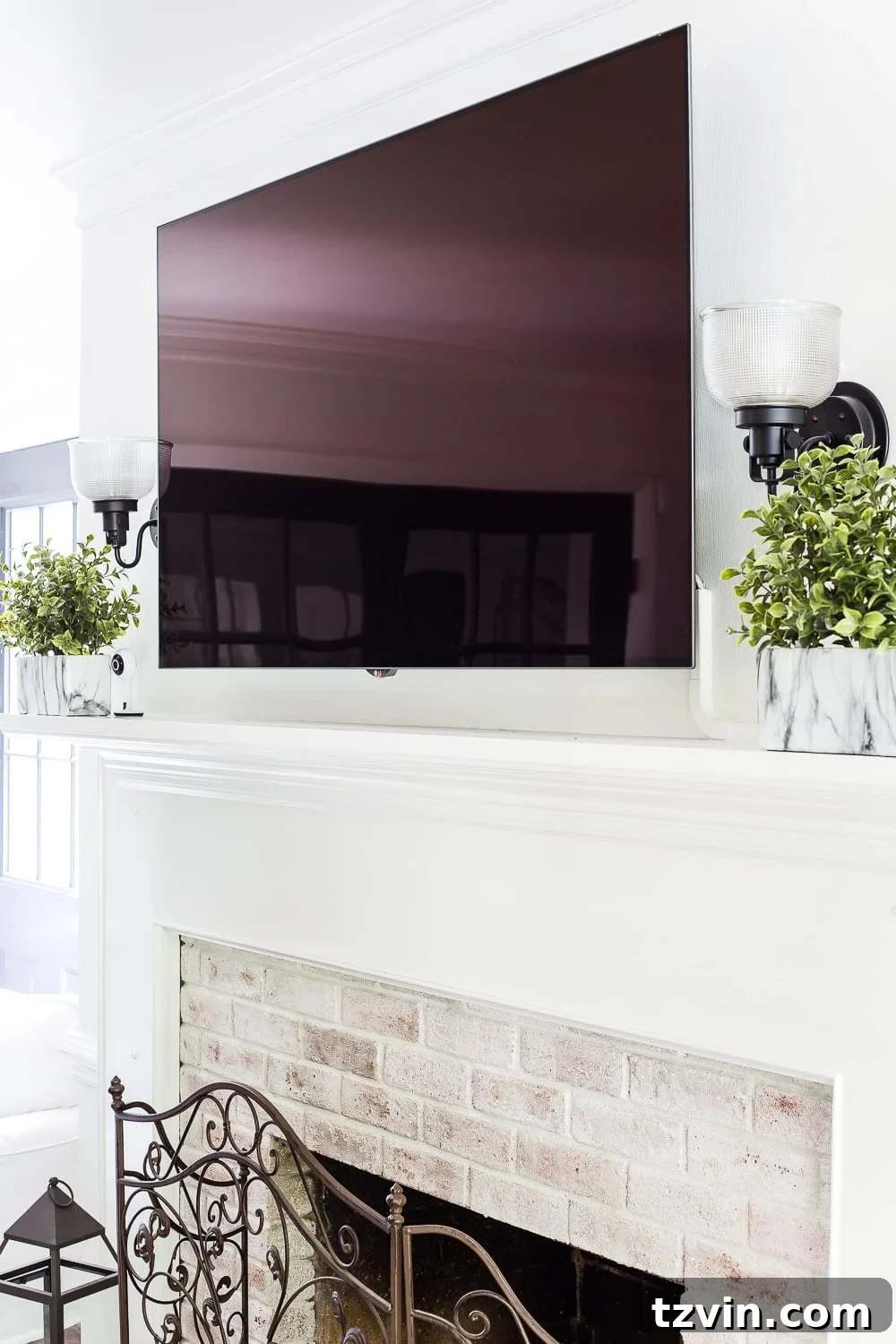
One of the most impactful financial decisions we made as part of our smart home setup was finally cutting the cord on our expensive cable service, a year ahead of schedule, all thanks to this brilliant little device: Google Chromecast. Now, with the ability to seamlessly stream shows, movies, and music directly through our smart TV, our satellite bill is a thing of the past. This change alone is saving us an incredible $1,400 over the next 11 months – a truly significant saving that highlights the long-term value of smart home investments.
Seamless Set-Up: Installing Chromecast is incredibly simple. Plug the Chromecast cable into an available HDMI port on your TV, then download the Chromecast feature from within the Google Home app on your smartphone. Follow the straightforward in-app installation steps, and you’ll be ready to start streaming your favorite channels and movies in no time.
Maximize Your Entertainment with Chromecast:
- Stream High-Definition Content: Access a vast library of HD video content directly from the cloud through popular apps like Netflix, YouTube, Spotify, Hulu, HBO GO, WatchESPN, Google Play, and many more, transforming your viewing experience.
- Your Phone, Your Remote: Your smartphone acts as an intuitive remote control, or you can leverage the power of voice commands to control your TV. Imagine simply saying, “OK Google, play Stranger Things from Netflix on my TV,” and watching it instantly appear.
- Upgrade Your TV: Chromecast effectively turns any traditional HDTV into a smart TV, giving you access to all modern streaming capabilities without needing to buy a brand new, expensive television.

Before integrating Chromecast, we were using our PlayStation 4 for streaming Netflix. While functional, the picture quality was often grainy and digitized. Chromecast has completely revolutionized our viewing, making our HDTV truly live up to its “high-definition” name with crisp, clear visuals. Now, our entire home entertainment system – along with our thermostat, music, security camera, and lights – can be seamlessly operated by simple voice commands, all thanks to the unifying power of Google Assistant. If actual magic wands are still out of reach, this intelligent system is undeniably the next best thing!
Embrace the Future: Your Affordable Smart Home Awaits
As you can see, setting up a smart home doesn’t have to be a daunting or expensive endeavor. With careful selection of compatible devices and a clear understanding of the setup process, even the least tech-savvy among us can enjoy the incredible benefits of home automation. Our journey proves that for under $500, you can achieve a level of convenience, security, and energy efficiency that significantly enhances your daily life and offers substantial long-term savings.
From controlling your lights and thermostat with your voice to keeping an eye on your beloved pets and cutting the cord on expensive cable bills, a smart home simplifies tasks and adds a layer of comfort and control previously unimaginable. These devices work in harmony, creating a cohesive ecosystem that responds to your needs and preferences, truly making your home work for you.
Ready to embark on your own smart home transformation? You can easily find all the components we used at Walmart to kickstart your budget-friendly smart home journey. Alternatively, explore the latest and greatest smart home devices here to customize a system that perfectly fits your unique needs and budget. Don’t let perceived complexity hold you back; the future of effortless living is within your grasp.
At this point, I can confidently say that our house is definitely smarter than I am. If you need me, I’ll be over here, probably still consulting Technology for Dummies for everything else! 😉